China Travel Basics
How to Download Chinese Apps Before Your China Trip
A practical guide to installing Chinese travel apps on iPhone and Android before arrival, with safer download options, registration limits, and first-day setup tips.
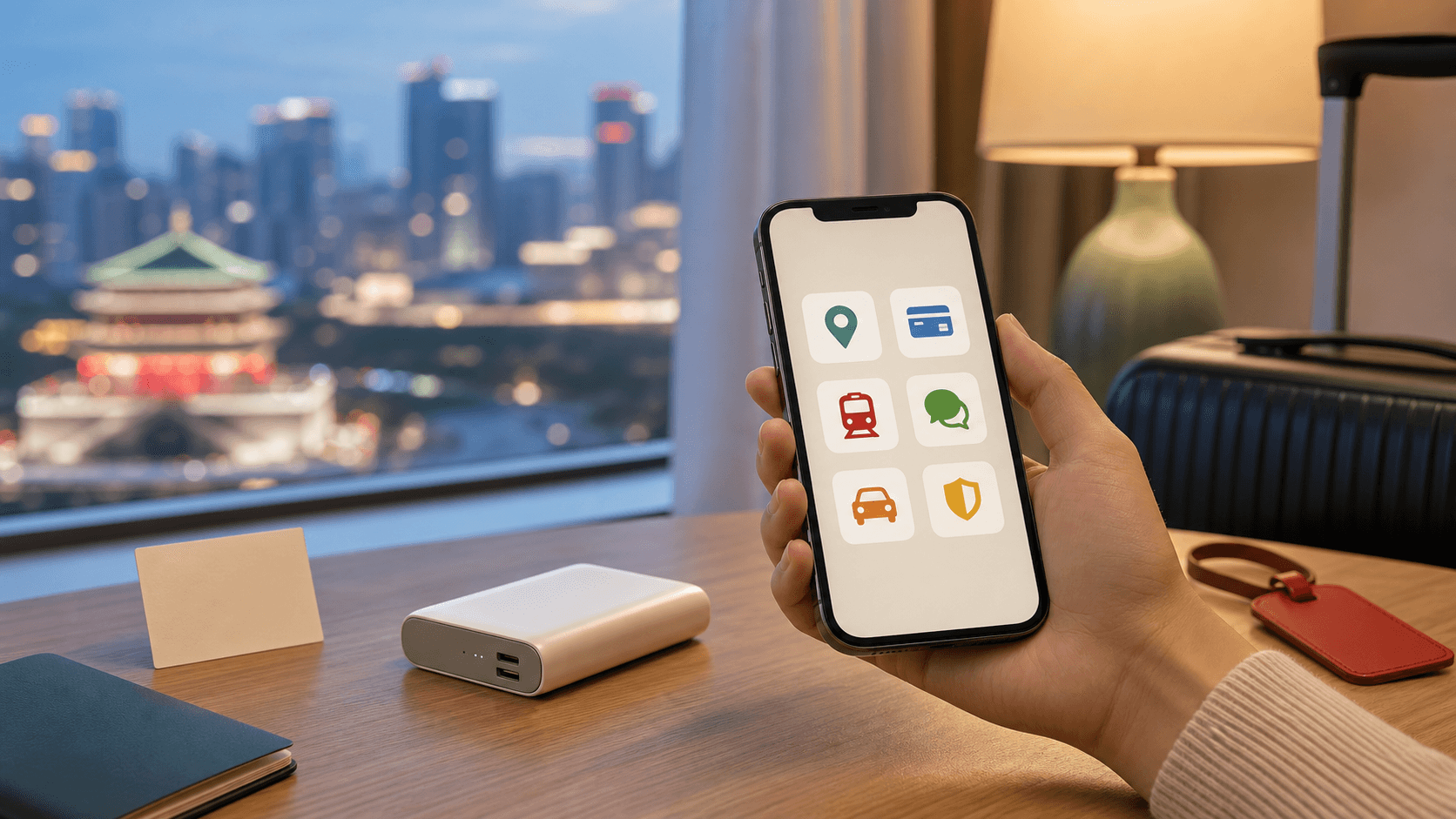
- Best for
- Travelers who want key China apps installed before they land
- May change
- App-store availability, account-region rules, phone-number verification, APK download links, app names, and foreign-card support
Quick answer
Install your main China travel apps before you fly. Do not wait until the airport, when you may be tired, using weak Wi-Fi, and trying to solve too many things at once.
For iPhone, start with the App Store. If an app is not available in your current App Store region, a separate Apple Account set to China mainland may help, but it can require extra verification. For Android, start with Google Play or your phone manufacturer's app store. If the app is not available there, use the app's official website or another trusted official source rather than a random APK mirror.
Downloading the app is only step one. Registration, real-name checks, payment binding, ride-hailing access, and train-ticket verification may still require a working phone number, identity information, bank verification, or in-app steps after arrival.
The safest order
- Try your normal official app store first.
- Check that the app publisher name looks official.
- If the app is not available, use the official website or an official download page.
- Avoid "cracked," "modified," "international unlocked," or reposted APK files.
- Install before departure, but expect some setup to happen in China.
- Keep a physical bank card, some RMB cash, your hotel address, and screenshots as backup.
This is not glamorous travel planning, but it is the part that makes your first taxi, first snack, and first hotel check-in much calmer.
If you use iPhone or iPad
Start with your current App Store
Open the App Store and search for the app by its English name and Chinese name if you know it. Some apps may be available in your current region, while others may not appear or may show a different version.
For a first China trip, check these first:
- WeChat.
- Alipay.
- DiDi or DiDi-Greater China, if available in your region.
- China Railway 12306.
- Amap, Baidu Maps, or another mainland-friendly map app.
- Trip.com or another booking app you already trust.
- A translation app with camera translation.
If you can download the official app normally, that is the cleanest option. Install it, open it once, and allow updates before your trip.
If an app is not available in your region
For iPhone users, the practical workaround is often a separate Apple Account whose country or region is set to China mainland. This is usually better than changing the country or region of your main Apple Account, because Apple region changes can affect subscriptions, account balance, payment methods, and content availability.
Apple's own support page says that when creating an Apple Account through the App Store, you may be able to choose "None" as the payment method. It also notes that for China mainland, you might be required to provide a +86 phone number for verification. That means this workaround may be easy for some travelers and blocked or annoying for others.
A sensible approach:
- Do not change your main Apple Account region casually.
- If you create a separate China mainland Apple Account, keep the email and password saved securely.
- Sign into that account only for App Store downloads if needed.
- After downloading, return to your usual account for normal phone use.
- Expect future app updates to occasionally ask for the Apple Account that originally downloaded the app.
If you cannot create the account before travel, do not lose an afternoon fighting it. Install what you can, keep the official app names written down, and finish the missing downloads after you have a local SIM or better support in China.
If you use Android
Try Google Play or your phone's app store first
On Android, availability varies a lot by phone brand, region, and app. Some Chinese apps may appear in Google Play in your country. Others may not. Your Samsung, Xiaomi, OPPO, vivo, Huawei, Honor, or other device may also have its own app store.
If the official app is available through a normal store on your phone, use that route first. It is simpler to update later and usually safer than installing files manually.
If you need to install an APK
Some Chinese apps provide Android installation files directly from their official websites. If you download an APK, use the official app site or a clearly official download page.
Useful checks before installing:
- Does the website match the real company or product name?
- Did you reach it from a search result that looks official, not from an ad or repost page?
- Is the file being offered as the normal Android version, not a "modded" version?
- Does your browser show a normal secure connection?
- Can you find the same download link from the company's main website?
Android may ask you to allow installation from your browser or file manager. Google's Android Help warns that apps from unknown sources can put your device and personal information at risk, so treat this as a narrow permission, not a permanent open door.
After installation:
- Turn off "install unknown apps" permission for that browser or file manager if your phone allows it.
- Open the app once while you still have time to troubleshoot.
- Keep the official website bookmarked for later updates.
- Delete the APK file if you no longer need it.
Should you install a Chinese app store?
Sometimes travelers install a Chinese app store such as a major phone manufacturer's app market or Tencent MyApp to find other Chinese apps more easily. This can work, but it also adds another account, another source of updates, and more Chinese-language screens.
For a short first trip, keep it simple. Use your existing official store first, then official app websites for only the apps you actually need.
Apps worth installing before arrival
WeChat is useful for communication, mini programs, some bookings, and WeChat Pay. Even if you cannot finish every setup step before travel, having the app installed is worth it.
Alipay
Alipay is one of the most useful traveler apps in China because it can support payment and other travel services. The Chinese government's English-language guide says foreign visitors can download payment apps such as Alipay and WeChat and follow the prompts to bind eligible bank cards.
Read How to Pay in China as a Foreigner before relying on mobile payment.
China Railway 12306
Use China Railway's official 12306 English website or app for train tickets when possible. Foreign passport holders may need identity verification before buying tickets smoothly, so do not leave your first attempt until the morning of departure.
Read How to Take High-Speed Rail in China if trains are part of your itinerary.
DiDi or DiDi-Greater China
Ride-hailing is useful, especially after flights, late arrivals, or hotel moves. App name and availability can vary by region and phone system. Install the official version available to you and keep your hotel address in Chinese as a backup.
Amap or Baidu Maps
Your usual overseas map app may be less useful in the Chinese mainland. A mainland-friendly map app is often better for walking routes, metro exits, driving estimates, and local place names. If the interface feels too Chinese-heavy, you can still use it for saved addresses and route screenshots.
Trip.com, Ctrip, or your booking channel
Trip.com is often easier for international travelers. Ctrip is the Chinese-language version and may expose more local inventory, but it can be harder to use if you do not read Chinese. Use whichever channel you can manage confidently and keep offline copies of bookings.
Translation app
Install a translation app that can handle typed text, camera translation, and offline language files if available. For allergies, medicine, hotel issues, and emergencies, prepare checked Chinese notes in advance instead of relying only on live translation.
Meituan and other local lifestyle apps
Meituan can be useful for restaurants, local services, delivery, and deals, but it is not essential for your first few hours in China. It may be mostly Chinese-language and may ask for a local phone number. Treat it as useful later, not as the first thing you must solve.
Registration may not work before you arrive
Downloading an app and creating a fully usable account are different tasks.
Some apps support overseas phone numbers. Some do not. Some may allow basic registration but block certain features until identity verification, card binding, local phone verification, or risk checks are complete. Payment apps may also depend on your card issuer's verification method.
Before departure, try this:
- Open each app once.
- Create an account if your overseas number works.
- Check whether SMS verification arrives.
- Bind an eligible bank card only through the official app flow.
- Save your password manager entries.
- Take screenshots of your first hotel address in Chinese.
If registration fails, stop after a reasonable attempt. Arrive with the apps installed, then finish setup after you have stable data, your hotel address, and, if needed, a China mobile number.
A simple arrival plan
On your first day, do not try to perfect every app at once. Prioritize the tools that help you move, pay, and check in.
- Connect to mobile data or airport Wi-Fi.
- Confirm your hotel address in Chinese.
- Set up or test Alipay or WeChat Pay with a small purchase.
- Keep RMB cash and a physical bank card available.
- Set up ride-hailing only if you need it immediately.
- Leave food-delivery and lifestyle apps for later.
If you plan to buy a local SIM, do that early and keep your passport with you. A China mobile number can make some registrations smoother, but policies and app checks can still vary. Read Do You Need a Chinese Phone Number for Your China Trip? for the app-by-app tradeoffs.
Three things apps cannot replace
- A charged phone and power bank.
- A small amount of RMB cash and a physical bank card.
- Your hotel address written in Chinese and saved offline.
Also remember that downloading WeChat or Alipay does not automatically mean payment is ready. Test a small purchase early, keep your bank's verification method available, and do not depend on a single app for arrival day.
Common mistakes
- Waiting until landing to download everything.
- Using random APK websites because they appear first in search.
- Changing the region of a main Apple Account without understanding the consequences.
- Assuming every app accepts overseas phone numbers.
- Assuming downloading WeChat or Alipay means payment is already ready.
- Depending on a single app with no cash, card, or address backup.
- Forgetting that app names, stores, and download links change over time.
Before you fly
- Install the essential apps you can get safely.
- Open each app once and test basic access.
- Save your first hotel name, phone number, and address in Chinese.
- Screenshot your airport-to-hotel route.
- Keep your bank's verification method available.
- Bring a power bank, physical card, and some RMB cash.
Your goal is not a perfect phone. Your goal is a phone that can get you through arrival day without drama.
Related reading
Get this article free by email
Receive the full article as an HTML attachment. Save it for offline reading, or open it in your browser to print or save as PDF.
Your email is used for this delivery only. No newsletter signup required.
Sources and reference checks
Conversation
Questions and comments
Share a question, correction, or reading note. Most comments appear automatically. Some are held briefly for review.
Need a private reply? Email chiyaoyaoya@gmail.com.
Loading comments...